A practical, tool-by-tool guide to finding award space faster, setting smarter alerts, and booking with confidence.
Hotel awards are messy for one reason: availability is the real currency, and it changes constantly. Between dynamic pricing (Hilton / Marriott / IHG), standard-vs-premium room rules, and certificate caps, you can waste hours clicking around and still miss the exact night you wanted.
The tools below solve three problems:
• Find award space faster (search engines + calendars)
• Stop manual refreshing (alerts)
• Know when points are actually worth it (cash vs points indicators)
Important: use these tools to find availability, but always confirm on the hotel program’s official site before you transfer points or book. Some tools refresh periodically, so you can occasionally see results that have changed since the last scan.
Quick Comparison (At a Glance)
| Tool | Free or Paid? | Programs covered | Best for | Unique strength | Watch-out |
| Rooms.aero | Free (Pro via Seats.aero) | Choice / Hilton / Hyatt / IHG / Marriott | Fast scanning + alerts | Year-ahead scanning + free alerts | Coverage varies; confirm on program site |
| MaxMyPoint | Free + paid tiers | Hilton / Hyatt / IHG / Marriott | Single-hotel stalking | Deep point calendars + strong alerts | Best features are paid; move fast |
| Stay With Points | Free + paid tiers | Major chains (varies) | Flexible-month hunting | Flexible alerts (e.g., any 5 nights) | If site is flaky, use a backup tool |
| Awayz | Trial + paid | Accor / Choice / Hilton / Hyatt / IHG / Marriott / Wyndham | Multi-program date searches | Cash + points side-by-side + certificate filters | Verify before transferring points |
| PointsYeah | Free + Premium | Choice / Hilton / Hyatt / IHG / Marriott / Wyndham | Flights + hotels | Broad search + alerts + filters | Plan limits vary; verify award space |
| AwardTool | Free + Pro | Hilton / Hyatt / IHG / Marriott | Power-user sweeps | Year-ahead views + alerts | Double-check before booking |
| Gondola | Free app | Most major brands | Value + repricing | Cash vs points + price-drop monitoring | Not an award-availability alert engine |
| AwardWallet | Free + paid options | Tracks many programs | Organization | Balances + expirations + certificates | Sync can be imperfect |
| Thrifty Traveler Alerts | Paid add-on (requires Premium) | Hilton / Hyatt / IHG / Marriott | Curated “unicorns” | Deal-style alerts to inbox | Not personalized; deals vanish fast |
| Official program calendars | Free | Your program’s inventory | Final confirmation | Source of truth for bookability | Calendar UX varies by chain |
Pick the Right Tool Fast (Cheat Sheet)
| Your situation | Use these first | Why |
| Specific dream hotel (Maldives, Big Sur, peak NYC) | MaxMyPoint + Rooms.aero + official site | Best workflow for stalking one property and catching cancellations |
| Flexible month + need consecutive nights | Stay With Points + official calendar | Flexible alerts are built for “any 5 nights in January” logic |
| Need cash vs points quickly | Gondola + Awayz | Side-by-side pricing stops you from guessing value |
| Using free night certificates | Awayz + official program site | Filters help avoid premium-room traps and mismatched caps |
| Already booked and want to re-price if it drops | Gondola | Monitors refundable bookings and alerts/rebooks when prices fall |
| Want curated luxury alerts with minimal effort | Thrifty Traveler Alerts | They do the hunting and email you when it’s bookable |
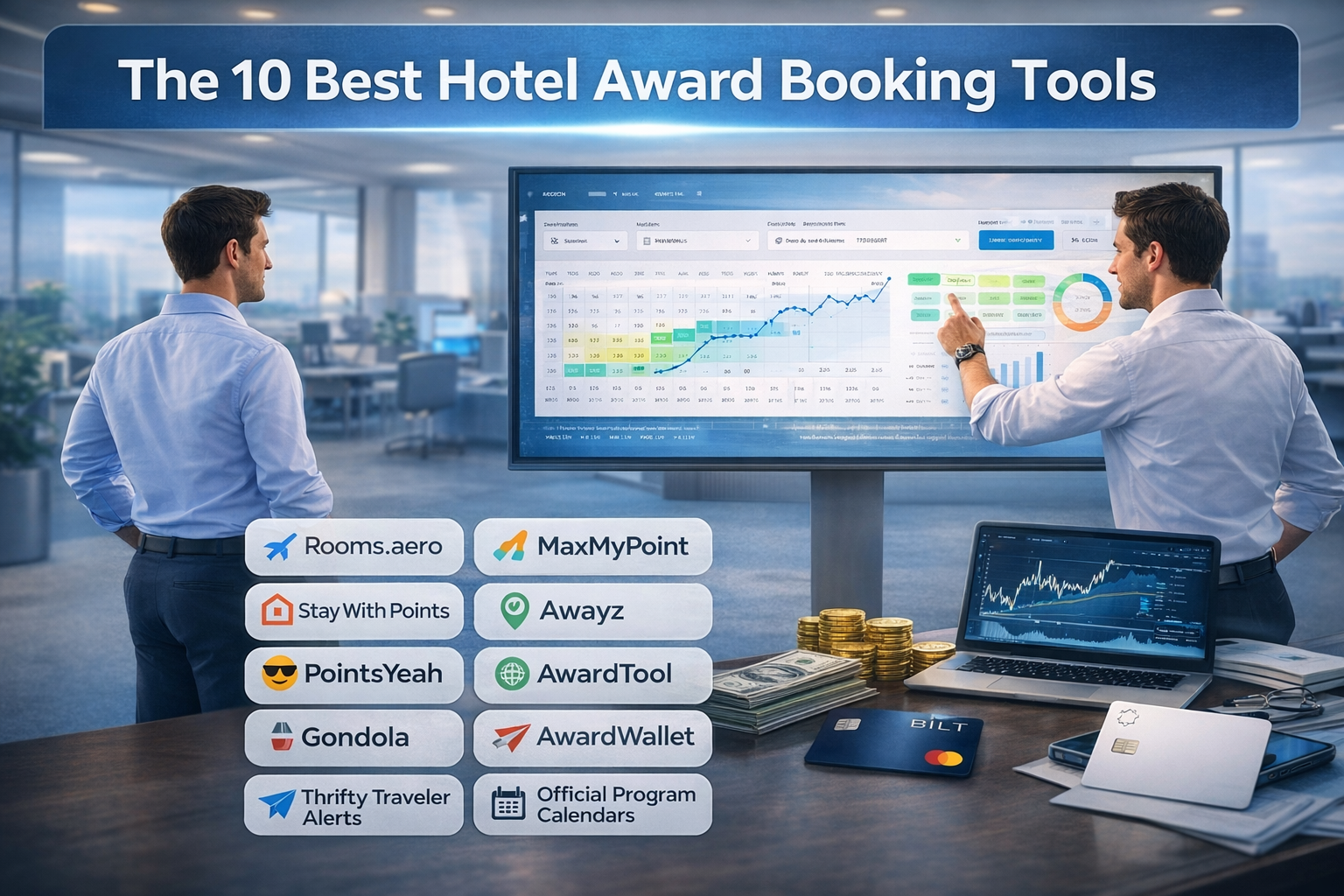
The 10 Best Hotel Award Booking Tools (Deep Dive)
1) Rooms.aero
Best for: Fast, broad award scanning + simple alerts.
Cost: Free to search and create alerts; Pro features are bundled with Seats.aero Pro.
Programs: Choice, Hilton, Hyatt, IHG, Marriott (coverage varies).
Link: rooms.aero
How to use it (quick steps):
- Pick your hotel program (Hyatt vs Marriott etc.) and search your destination or property.
- Use the calendar/map view to spot open nights without clicking date-by-date.
- Set an alert for your exact dates (or a target points cap if available).
- When an alert hits, immediately verify and book on the hotel program’s site.
Where it shines:
- Scanning a whole city for “anything bookable on points” fast.
- Finding pockets of availability across a full year.
Watch-outs:
- Think of it as radar: confirm directly with the hotel program before transfers.
2) MaxMyPoint
Best for: Deep calendars and strong alerting for hard-to-book hotels.
Cost: Free tier exists; paid tiers expand alerts, speed, and views.
Programs: Hilton, Hyatt, IHG, Marriott.
Link: www.maxmypoint.com
How to use it (quick steps):
- Search the exact hotel and open the Point Calendar to scan 365 days at once.
- Use alerts that match your strategy: Full Stay (rare), Any Day (more realistic), and other advanced options depending on membership.
- When you get availability, book immediately—then work on the rest of your trip.
Where it shines:
- Stalking one property until cancellations open up standard rooms.
- Seeing points + cash context on the calendar so you can pick the best-value nights.
Watch-outs:
- If you need multiple consecutive nights, be ready to piece stays together one night at a time.
3) Stay With Points
Best for: Flexible-month award hunting (especially for multi-night stays).
Cost: Free + paid tiers; paid typically improves flexibility and alert limits.
Programs: Major chains (varies by the tool).
Link: staywithpoints.com
How to use it (quick steps):
- Use it when your dates are flexible: set a flexible alert like “any 5 consecutive nights in March.”
- Keep a shortlist of 1–5 target hotels and alert them all.
- When you get a hit, book the available nights immediately, then try to extend the stay.
Where it shines:
- People who can travel anytime in a month and just need a block of nights.
Watch-outs:
- If the site is unreliable in the moment, use Rooms.aero or MaxMyPoint as your backup alert engine.
4) Awayz
Best for: Searching multiple hotel programs at once with cash + points side-by-side.
Cost: Trial + paid access (passes/subscription depending on plan).
Programs: Accor, Choice, Hilton, Hyatt, IHG, Marriott, Wyndham.
Link: awayz.com
How to use it (quick steps):
- Run a destination + exact dates search, then filter by the programs and point currencies you actually use.
- Use advanced filters for free-night certificates and transferable points (if you’re trying to avoid a bad transfer).
- Use it to shortlist hotels, then confirm and book directly with the hotel program.
Where it shines:
- Cities where you’re open to multiple chains and want the best value fast.
- Certificate users who want to filter to bookable options.
Watch-outs:
- Don’t transfer points until you see the same availability on the official program site.
5) PointsYeah
Best for: A single dashboard for flights + hotels, with solid filtering and alerts.
Cost: Free + Premium.
Programs: Choice, Hilton, Hyatt, IHG, Marriott, Wyndham (plus other channels depending on feature set).
Link: www.pointsyeah.com/landing
How to use it (quick steps):
- Search your destination + dates, then filter down to the hotel programs you can book with.
- Use it as a shortlist builder (especially if you’re also booking flights with points).
- Set alerts for your top 2–5 options and be ready to book when results change.
Where it shines:
- People who want one tool for both flight and hotel award research.
Watch-outs:
- Plan limits can vary. If you’re doing heavy searching, you may hit caps.
6) AwardTool
Best for: Power-user sweeps and quick year-ahead views across major hotel programs.
Cost: Free + Pro.
Programs: Hilton, Hyatt, IHG, Marriott (hotel side).
Link: awardtool.com
How to use it (quick steps):
- Use it when you want to click around quickly and explore many properties fast.
- Drill into a hotel for a year view, then set alerts for your target windows.
- Confirm on the hotel program site before you commit.
Where it shines:
- Fast exploration when you’re flexible and just want to find something bookable.
Watch-outs:
- Hotel features are not always as smooth as flight tools—verify everything.
7) Gondola
Best for: Cash vs points decisions and price-drop monitoring after you book.
Cost: Free app.
Programs: Broad brand coverage (cash booking + points comparison workflows).
Link: www.gondola.ai
How to use it (quick steps):
- Use it when you’re stuck deciding: pay cash or burn points?
- After booking a refundable rate, add it to Trips so Gondola can monitor for drops.
- If prices fall, rebook or use auto-monitoring features where available.
Where it shines:
- Optimizing value and re-pricing reservations without babysitting prices.
Watch-outs:
- It’s not primarily an award-availability alert engine.
8) AwardWallet
Best for: Keeping all your points, free-night certificates, and expirations organized.
Cost: Free + paid options.
Programs: Tracks a wide range of loyalty programs.
Link: awardwallet.com
How to use it (quick steps):
- Add your hotel accounts so you always know which points you have (and what’s expiring).
- Use it as your ‘inventory system’ so you only chase awards you can actually book.
- Pair it with a search tool (Rooms.aero / MaxMyPoint / Awayz) for the actual award hunt.
Where it shines:
- Reducing ‘I forgot I had points’ and ‘my points expired’ mistakes.
Watch-outs:
- Some accounts may need occasional re-syncing.
9) Thrifty Traveler Premium + Hotel Alerts
Best for: Curated award availability alerts delivered to your inbox.
Cost: Paid: requires Thrifty Traveler Premium, plus Hotel Alerts add-on.
Programs: Hilton, Hyatt, IHG, Marriott.
Link: thriftytraveler.com/guides/hotels/how-thrifty-traveler-hotel-alerts-work
How to use it (quick steps):
- Enable Hotel Alerts and select the hotel chains you want to receive alerts for.
- Treat alerts like limited inventory: open the email, verify, and book quickly.
- Use it as a ‘deal feed’ when you’re flexible rather than date-locked.
Where it shines:
- People who don’t want to do searching and just want the opportunities surfaced.
Watch-outs:
- Deals may not match your exact dates; speed matters.
10) Official hotel program calendars (the source of truth)
Best for: Final confirmation, official pricing, and booking.
Cost: Free.
Programs: Each chain’s own inventory (Hyatt/Hilton/Marriott/IHG, etc.).
How to use it (quick steps):
- Use third-party tools to discover availability, then verify here before transferring points.
- Use flexible-date or calendar views where available to find the cheapest nights.
- If you’re stitching nights, book what’s available, then try to extend later.
Where it shines:
- Booking accuracy, cancellation rules, and eligibility for points/elite benefits.
Watch-outs:
- Calendar features can be hidden or inconsistent between web/app experiences.
Official Program Links (Book and Verify Here)
These are the pages you should use to confirm pricing and availability before transferring points or finalizing a booking.
- World of Hyatt (redeem points overview)
- Hilton Honors Points Explorer (find point prices)
- Marriott Bonvoy: Redeem Points at Hotels
- Marriott Bonvoy PointSavers (flexible-date deals)
- IHG One Rewards: Reward Nights / Points booking
Recommended Setups (So You Don’t Overpay for Tools)
A strong free stack:
- Rooms.aero
- Official program calendars (Hyatt/Hilton/Marriott/IHG)
- Gondola
A strong paid stack (for hard-to-book properties):
Last tip: the “best” tool is the one that matches your travel style. If you’re date-flexible, alerts win. If you’re date-fixed, multi-program search wins. If you already booked, repricing wins.